
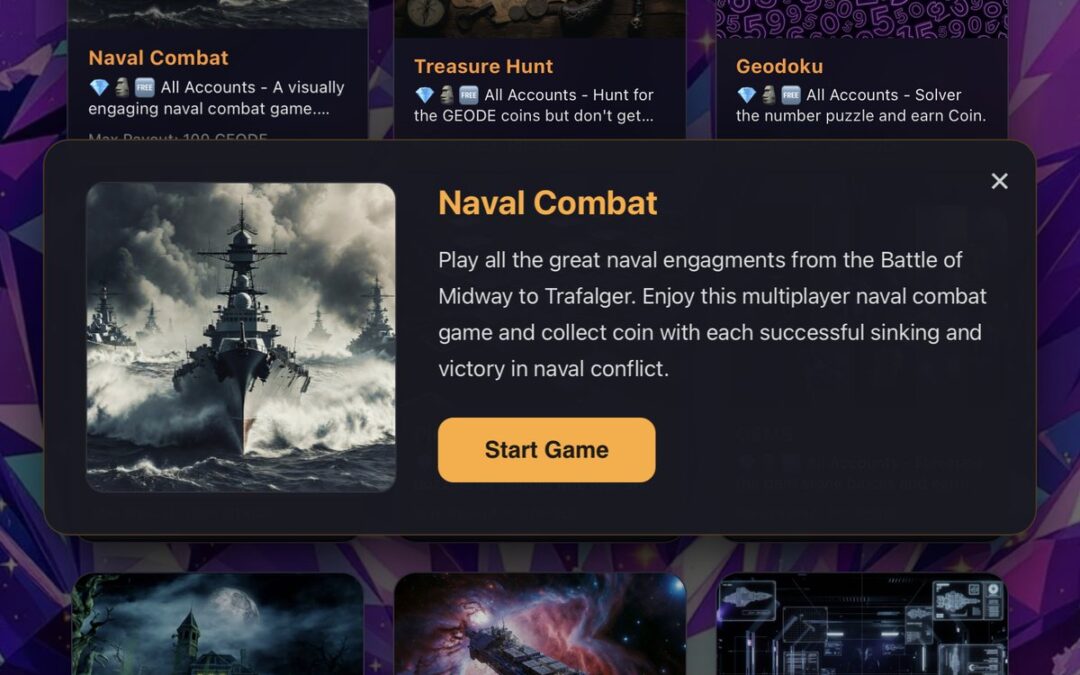
Naval Combat is grid-based naval strategy on Geode, and every ship you sink earns GEODE coin.
Admiral, your fleet awaits
Some of us grew up calling out grid squares across a kitchen table, hoping for that magic word: “Hit!” Naval Combat brings that feeling back with a twist. Refight great engagements from Trafalgar to the Battle of Midway, hunt down your opponent’s hidden fleet, and collect GEODE coin with every successful sinking and every victory.
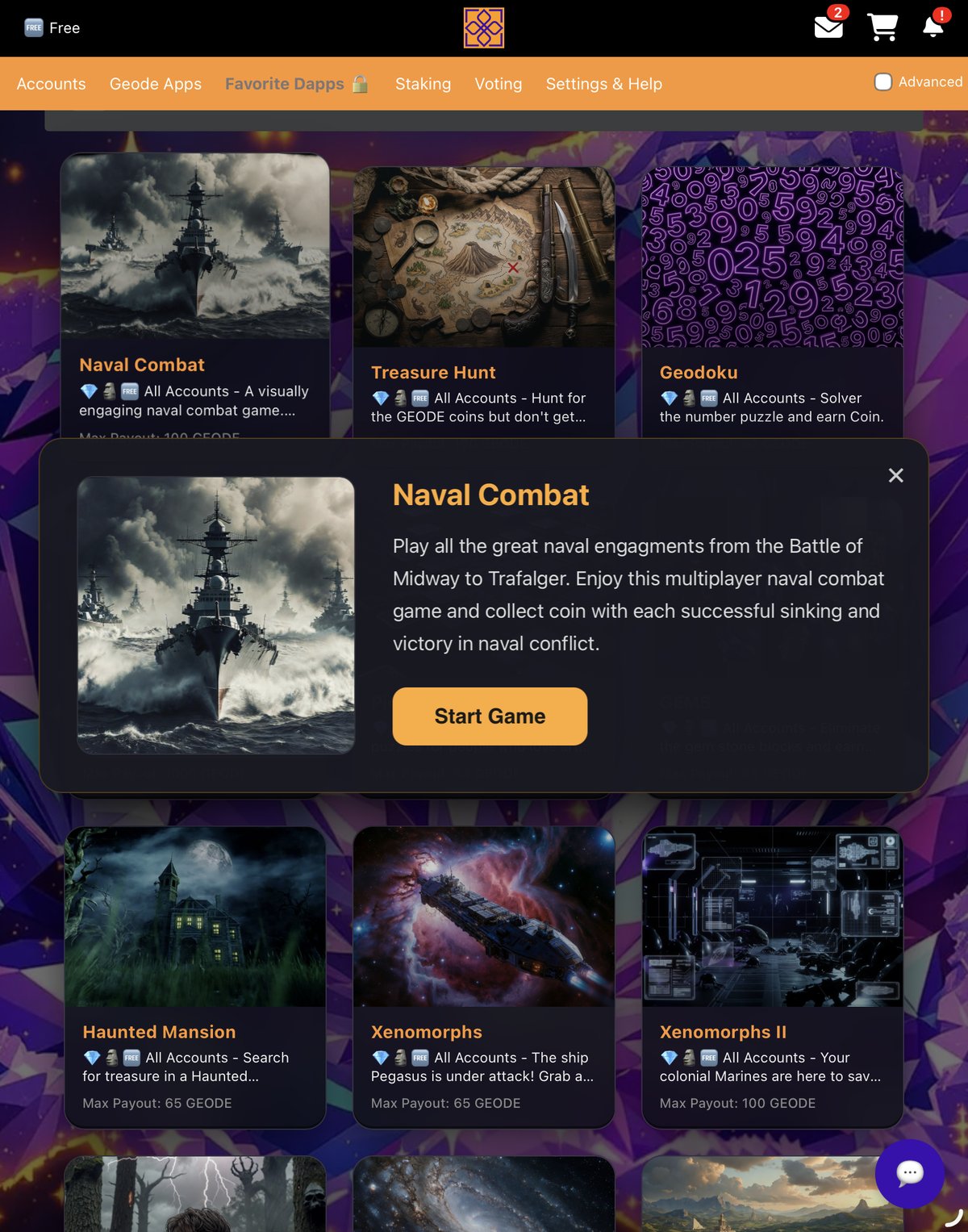
Why it’s worth a try:
- Classic grid strategy, inspired by history’s greatest sea battles
- Coin for every sinking and every battle you win
- Rewards you own: your coin is secured on-chain, not points trapped inside a company’s app
Choose your mode and deploy your fleet
Start by choosing how you want to fight.
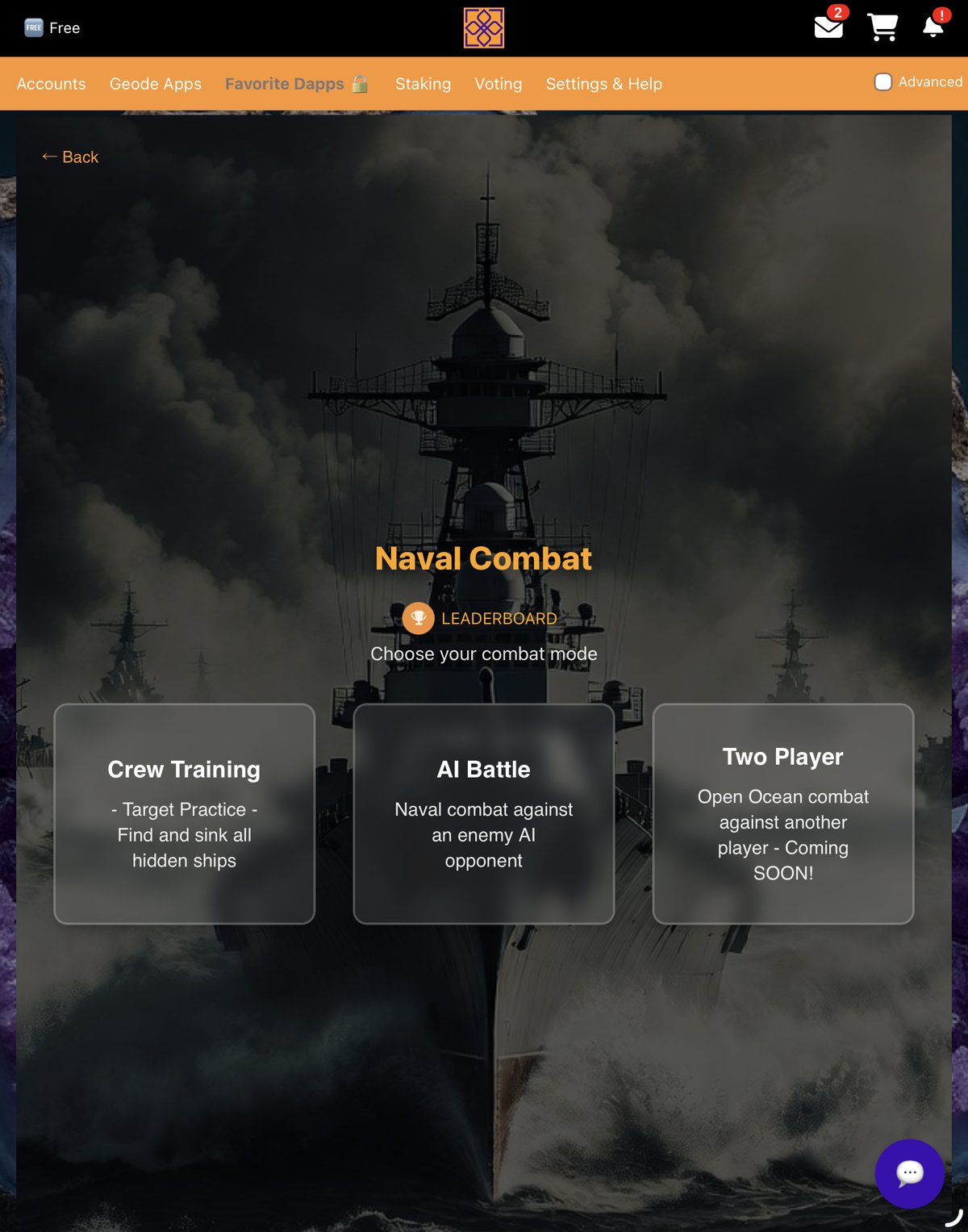
- Crew Training: target practice where you find and sink all the hidden ships
- AI Battle: naval combat against an enemy AI opponent
- Two Player: open-ocean combat against another player is marked coming soon
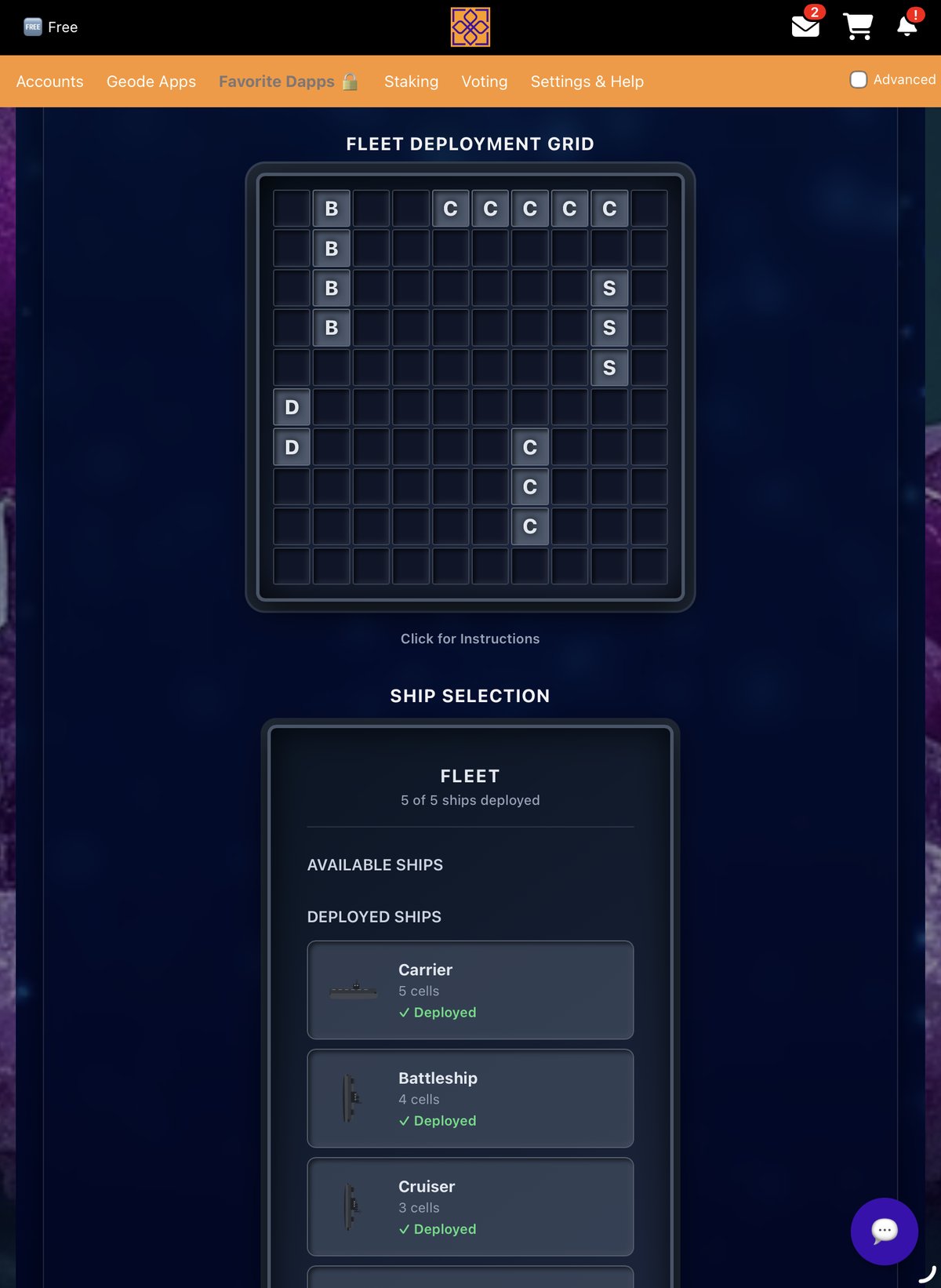
Next, place your ships on the Fleet Deployment Grid. Your fleet of five includes a carrier, a battleship and a cruiser.
Fire away
Now the hunt begins. Click a square in the Enemy Sector to attack, and watch the Fleet Command Channel for news of hits, misses and sinkings.
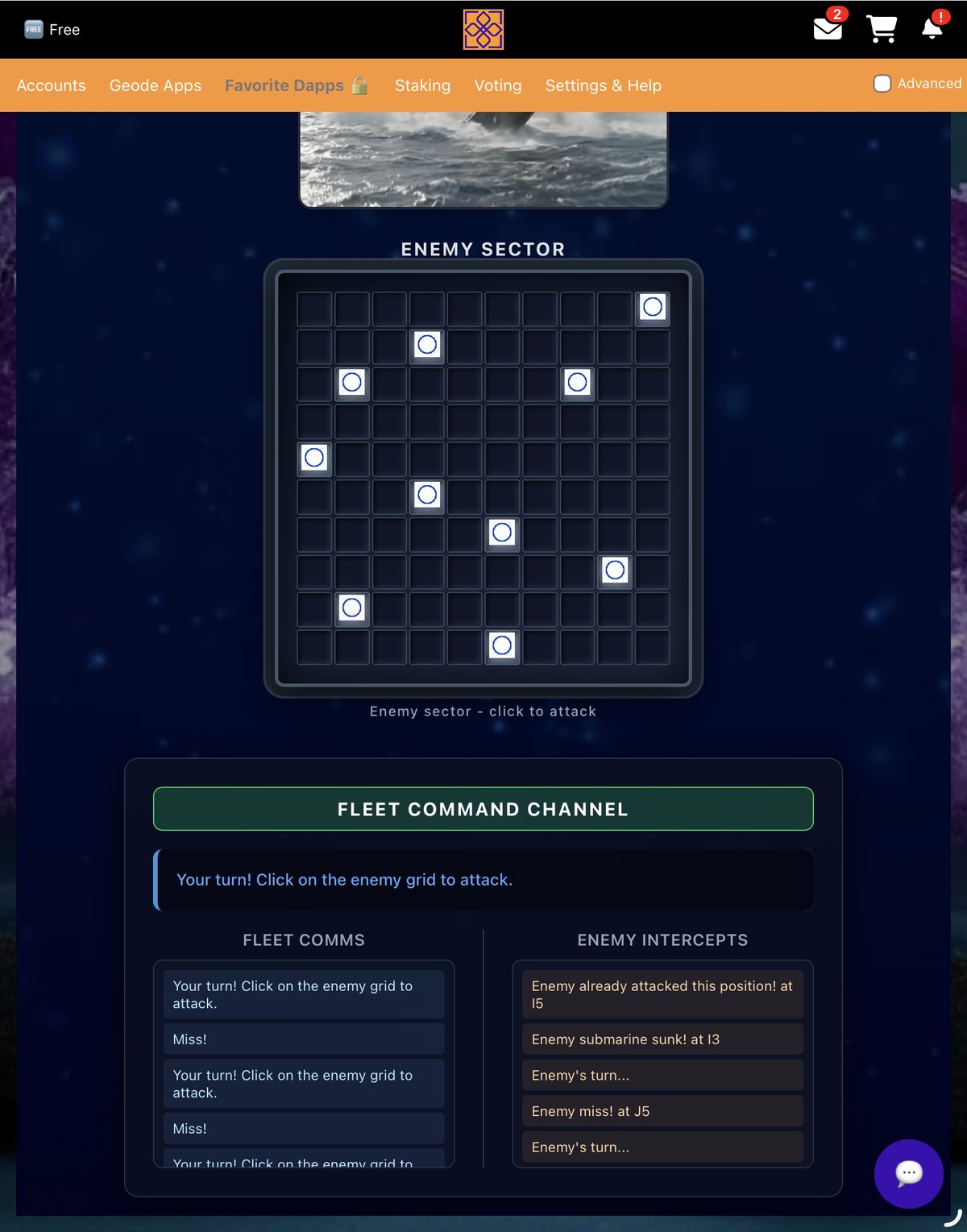
- Line up your shots to track down each hidden ship
- The Battle View shows the action when a ship goes down
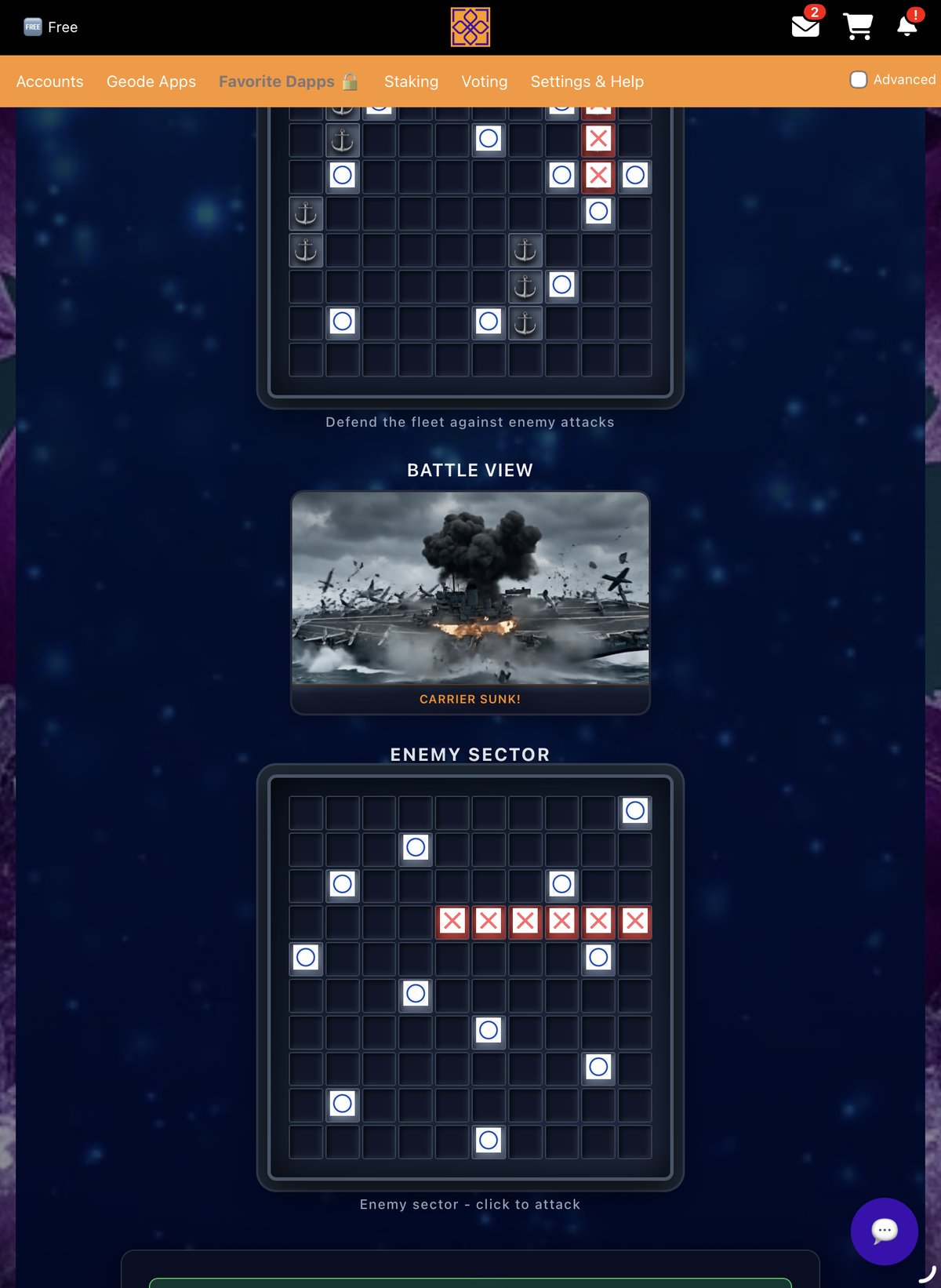
- Keep an eye on your own grid, too: you defend your fleet against enemy attacks
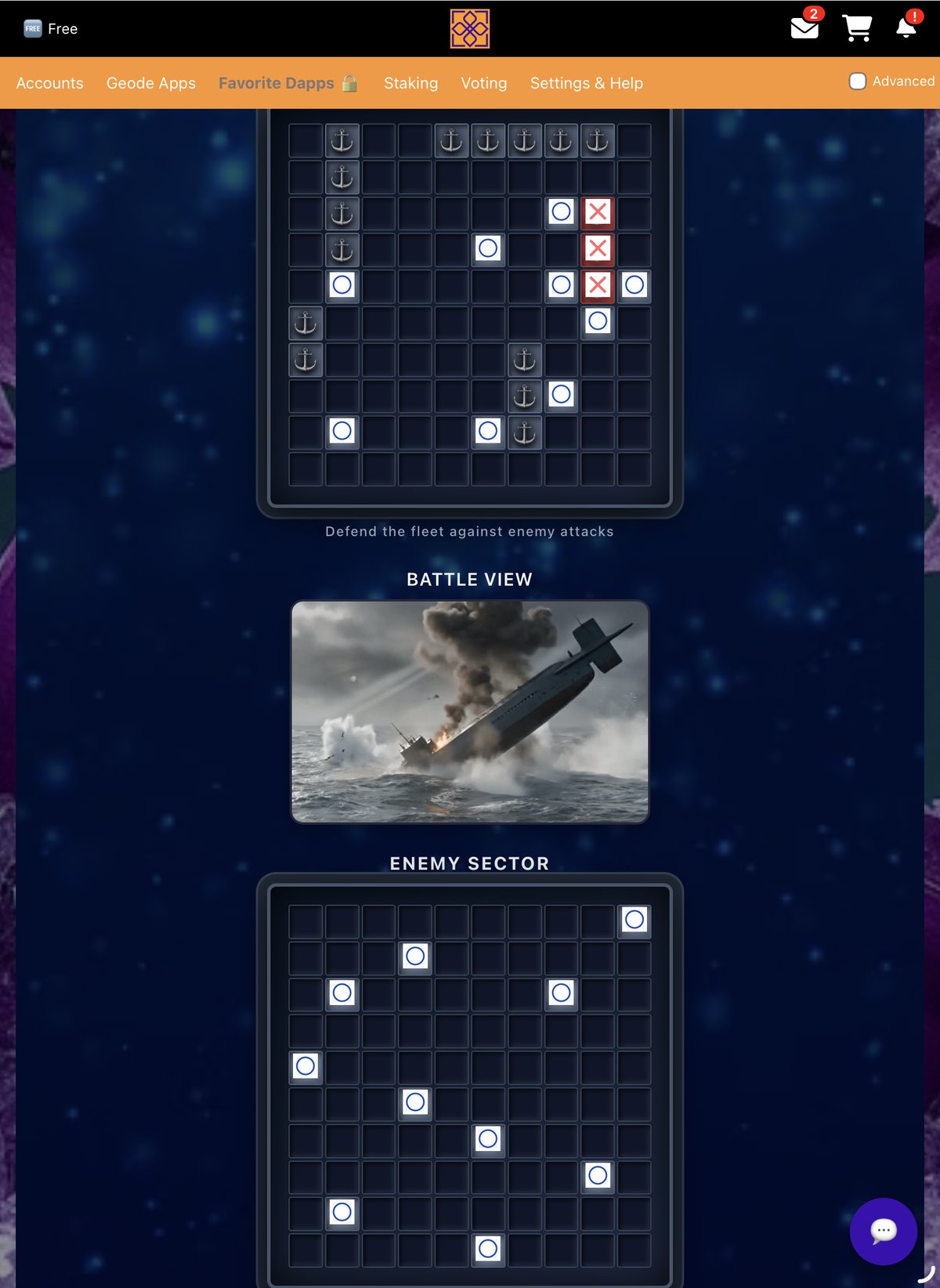
Payout tip: Hit the Payout button to claim your coin onchain. If you navigate away without paying out, you may lose unclaimed rewards. Pay out early, pay out often!
Find Naval Combat in the arcade
Naval Combat is the first card in the Geode Gaming arcade.
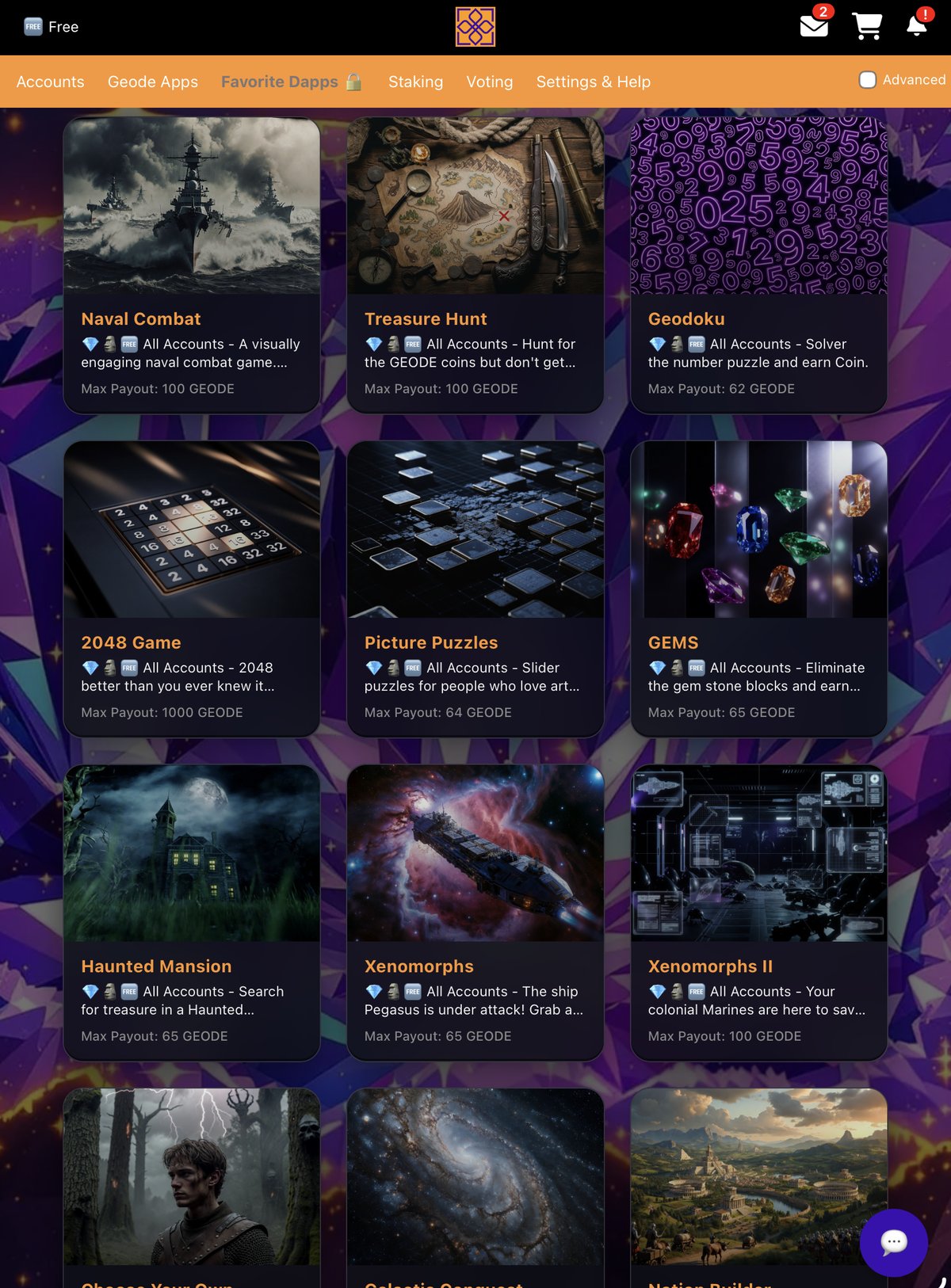
- Open Geode Gaming on Geode Apps and tap Naval Combat
- You need a Geode account and a Geode game pack
- One game pack unlocks almost every Geode game, and each new game uses a game credit
- It runs in your browser, no download and no outside wallet
See screenshots, FAQs and the full walkthrough on the Naval Combat project page.
Try it this week
- Make your Geode account if you don’t have one yet.
- Grab a Geode game pack, open Geode Gaming and tap Naval Combat.
- Sink your first ship in Crew Training or AI Battle, then hit Payout to claim your GEODE coin onchain.
📩 Earn Differently — weekly tips to profit off your own time, attention, and skill. Love this newsletter? Send it to a friend and tell them to subscribe at GeodeChain.com.