

Your personal AI guide to Geode helps you make an account, learn web3 and get things done.
Never feel lost in web3 again
Trying something new online can feel like walking into a room where everyone already knows the rules. Geode MyAgent is the friend who meets you at the door. It is an AI guide built right into Geode Apps, and getting started is as easy as typing a question.
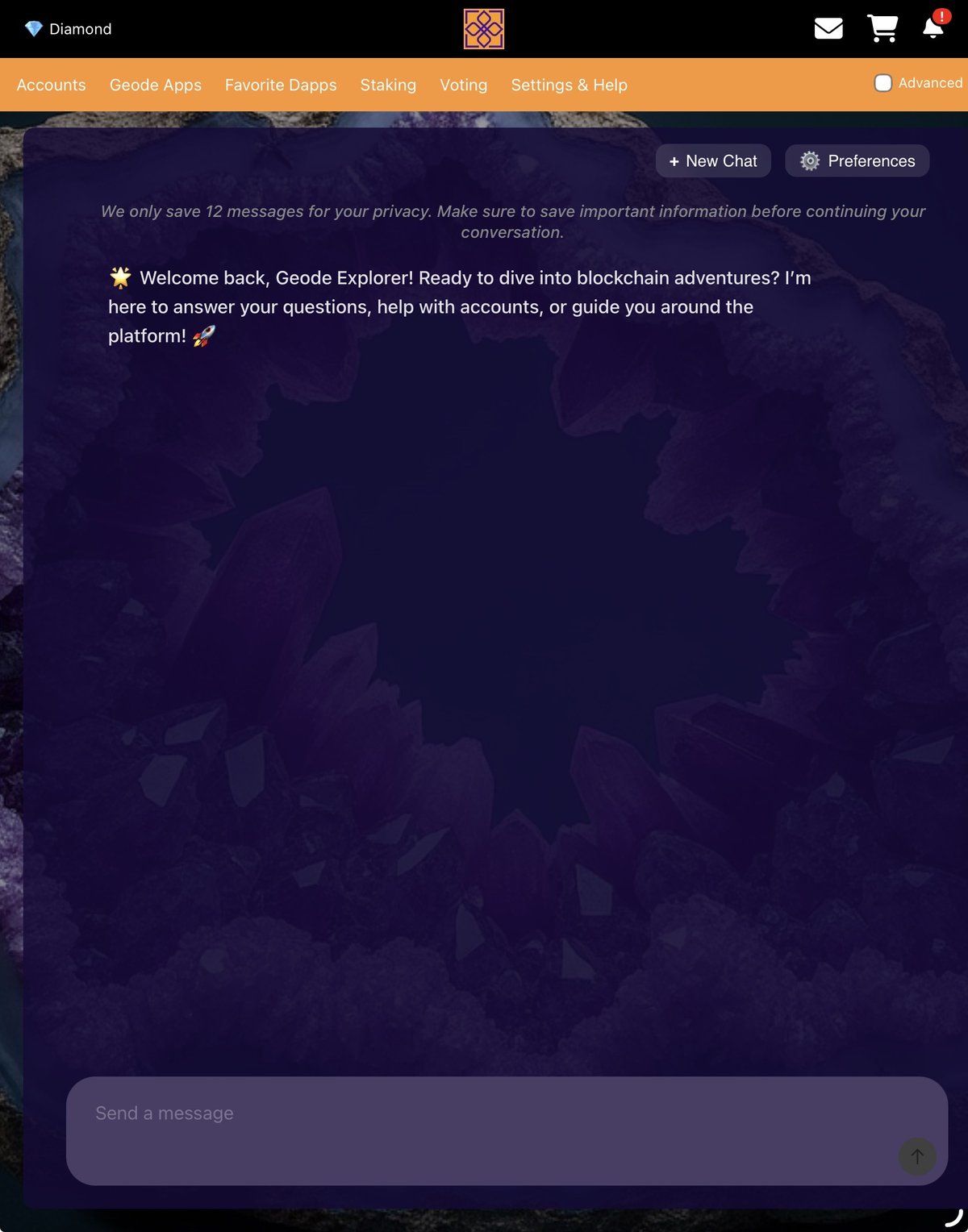
What MyAgent can do for you:
- Make a Geode account easily and securely
- Teach you about web3, crypto, dApps and Geode itself
- Find anything on the Geode Portal and take you there instantly
- Take action for you on native apps like Surveys and Profile
- Hand you your referral code so you can invite friends
Open it from anywhere
MyAgent has its own icon on the Geode Apps home screen, and you can also pop open the chat while you browse.
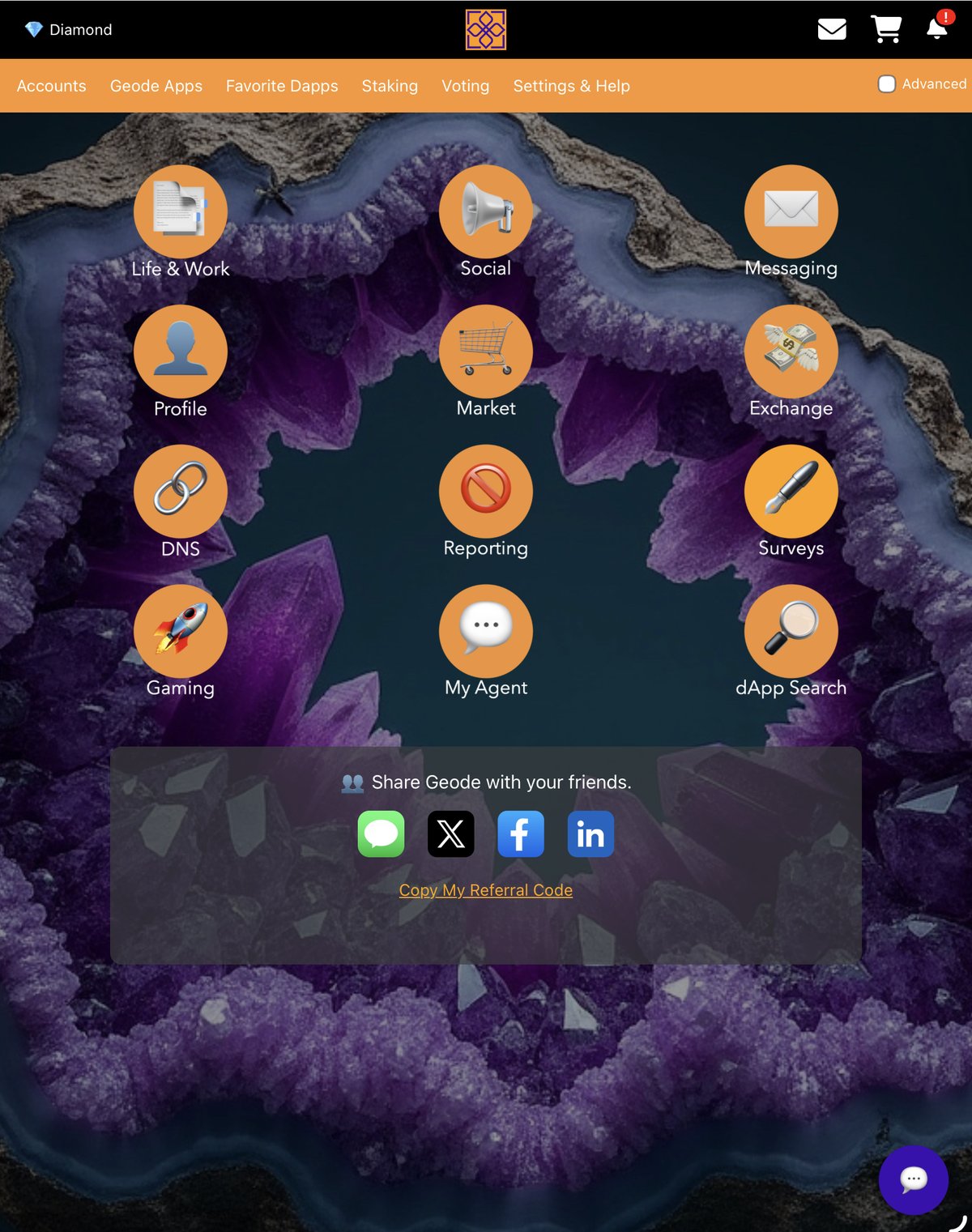
- Go to Geode Apps and tap My Agent
- Or tap the round chat bubble in the corner to open Geode AI on top of the page you are on
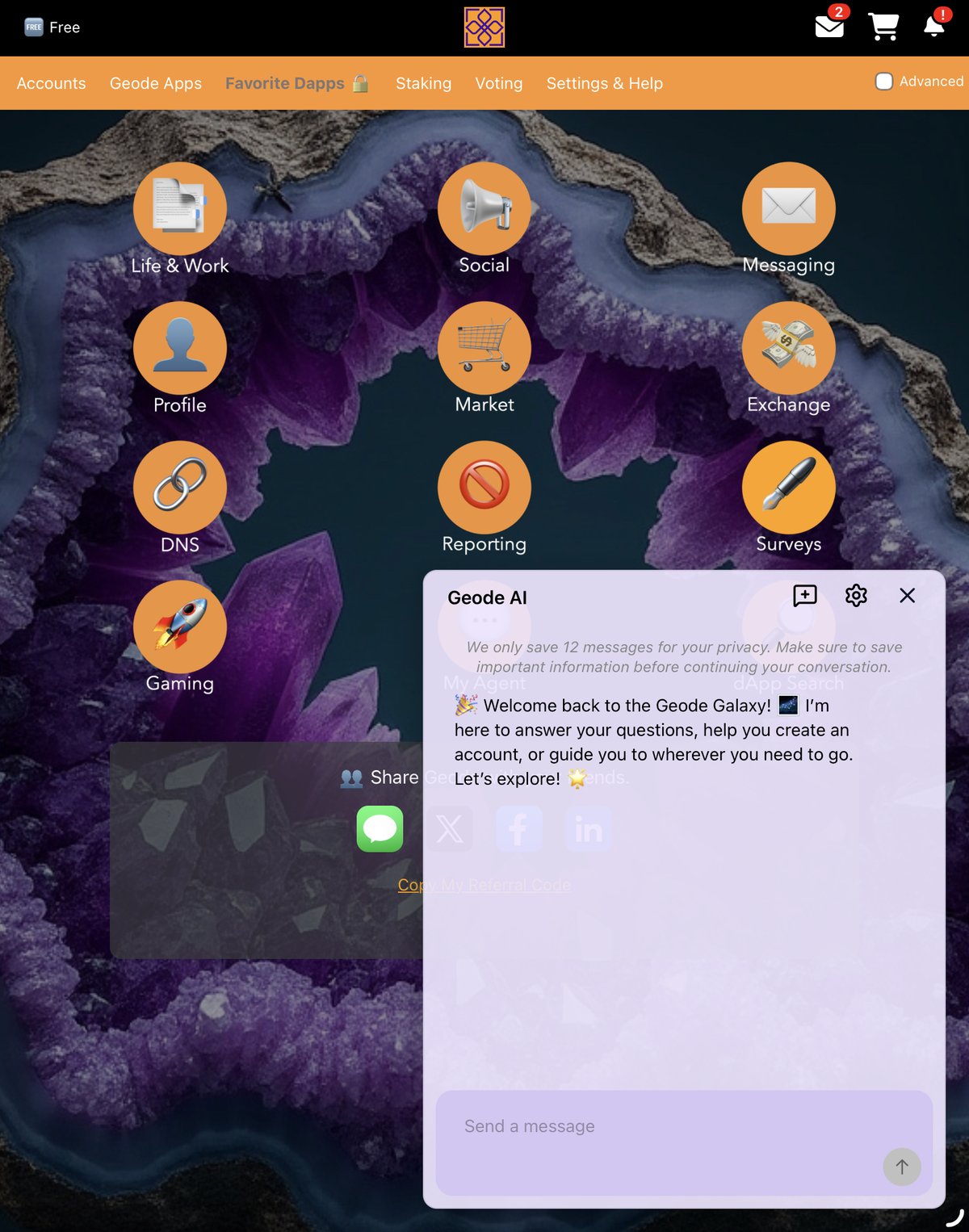
- Type a question like “How do I make an account?” or “Take me to Surveys”
- MyAgent answers, then can take you straight there
Make it yours
Everyone learns differently, so MyAgent lets you tune how it talks to you. Whether you like short answers or patient step-by-step help, you can set that up in seconds.
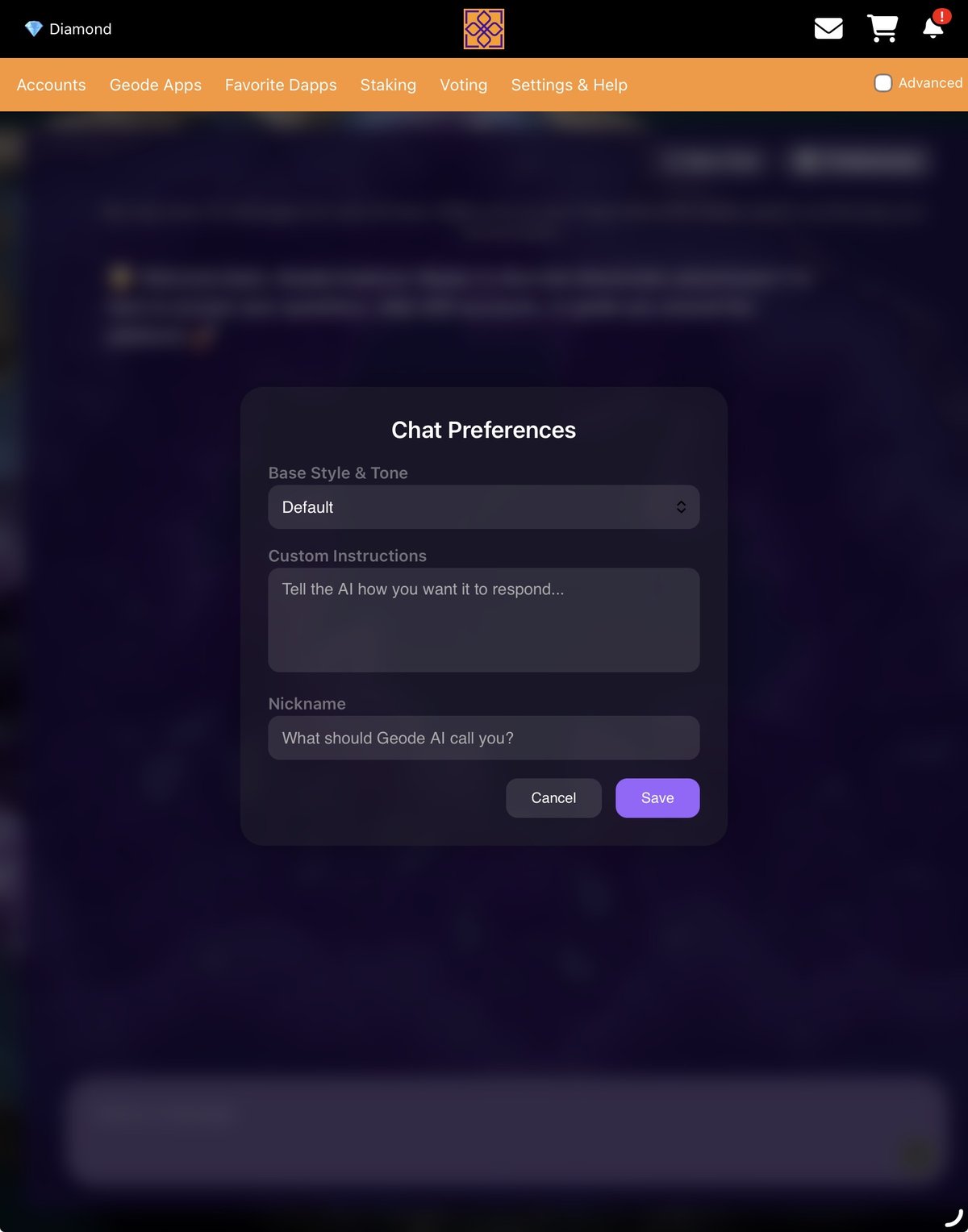
- Tap Preferences to open Chat Preferences
- Pick a Base Style & Tone
- Add Custom Instructions to tell the AI how you want it to respond
- Set a Nickname so Geode AI knows what to call you
And because MyAgent runs on Geode, your account, data and content are yours, secured on-chain. No company can deplatform you, harvest your data or shut the service down.
See screenshots, FAQs and the full walkthrough on the Geode MyAgent project page.
Try it this week
- Make your Geode account, or open MyAgent and ask it to help you.
- Ask MyAgent one question about web3 or Geode you’ve always wondered about.
- Say “take me to Surveys” and let it walk you there.
📩 Earn Differently — weekly tips to profit off your own time, attention, and skill. Love this newsletter? Send it to a friend and tell them to subscribe at GeodeChain.com.