
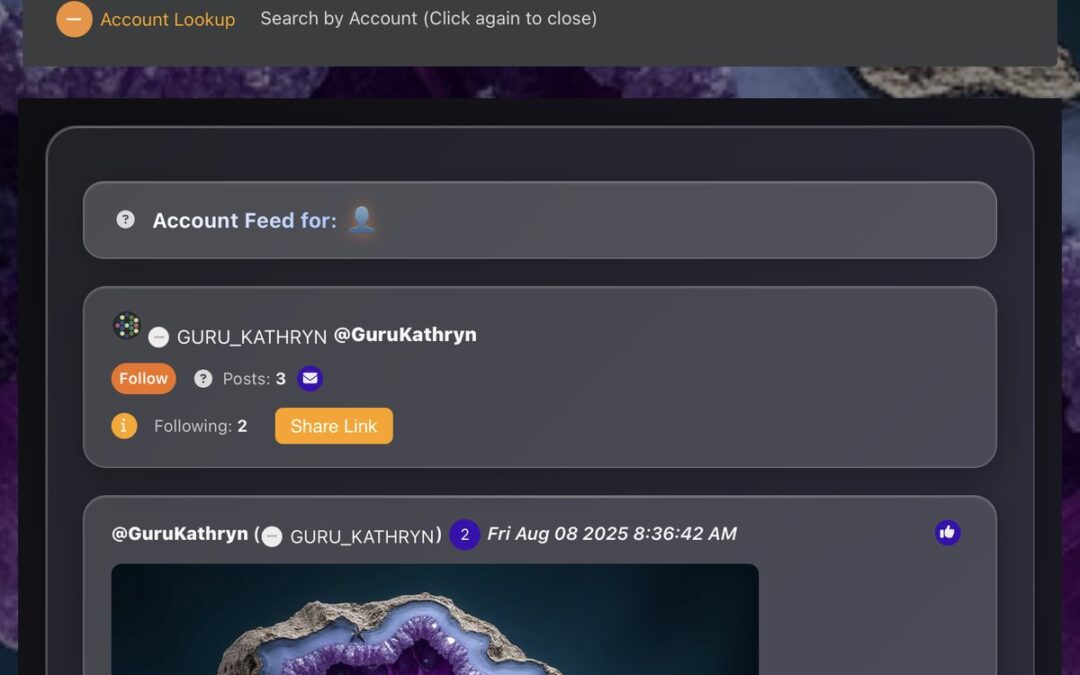
Geode Social gives you a pure feed of the people you follow and a paid feed where advertisers pay you directly.
Remember when social media was actually social?
You follow your friends, then spend half your scroll on posts you never asked for. Meanwhile, the ads you sit through make money for everyone except you. Geode Social flips both of those around: no algorithm deciding what you see, and advertisers pay you directly for the attention you choose to give.
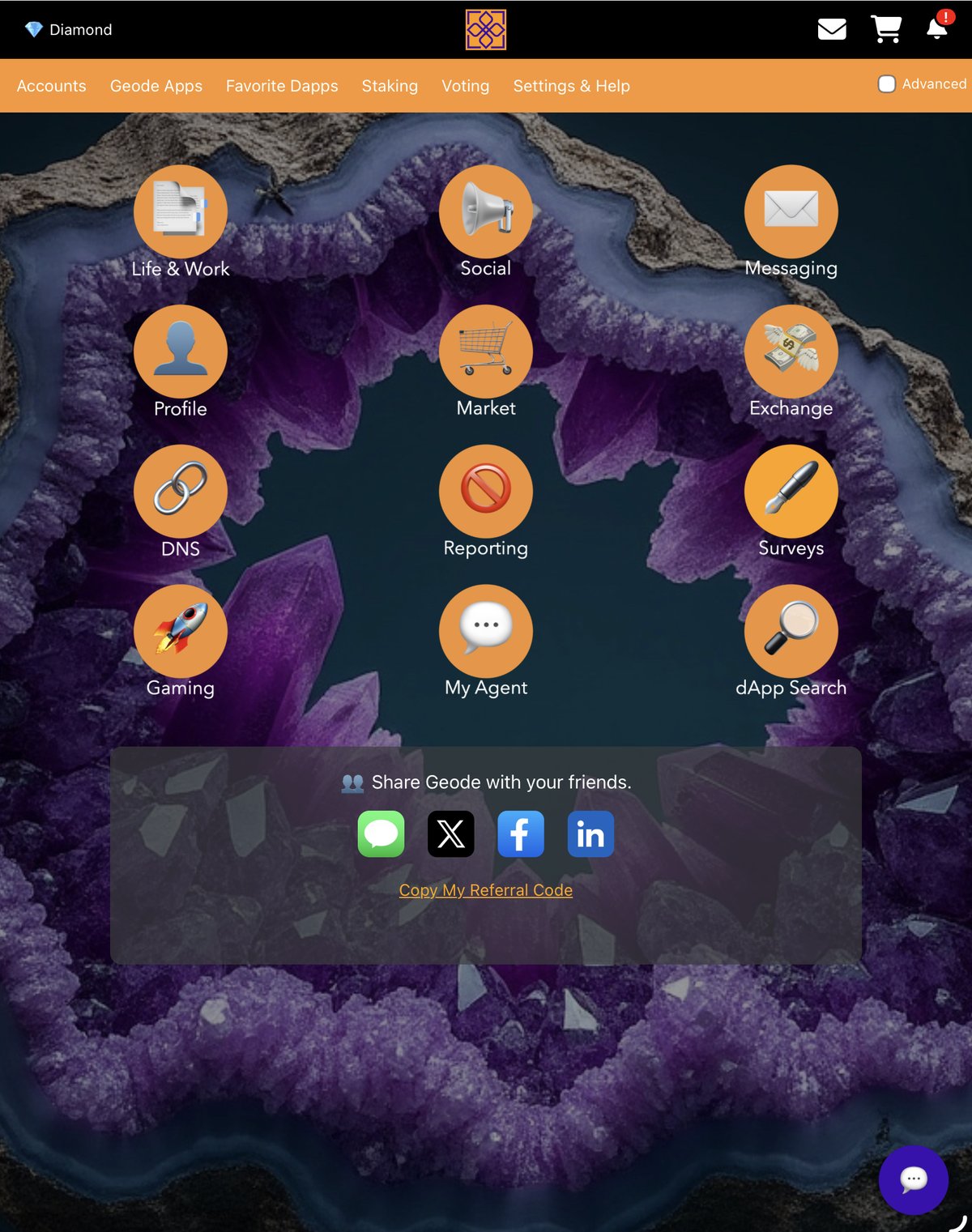
To get there, open Geode Apps and tap the megaphone icon labeled Social.
Two feeds, zero algorithm
Your feed is just that: yours.
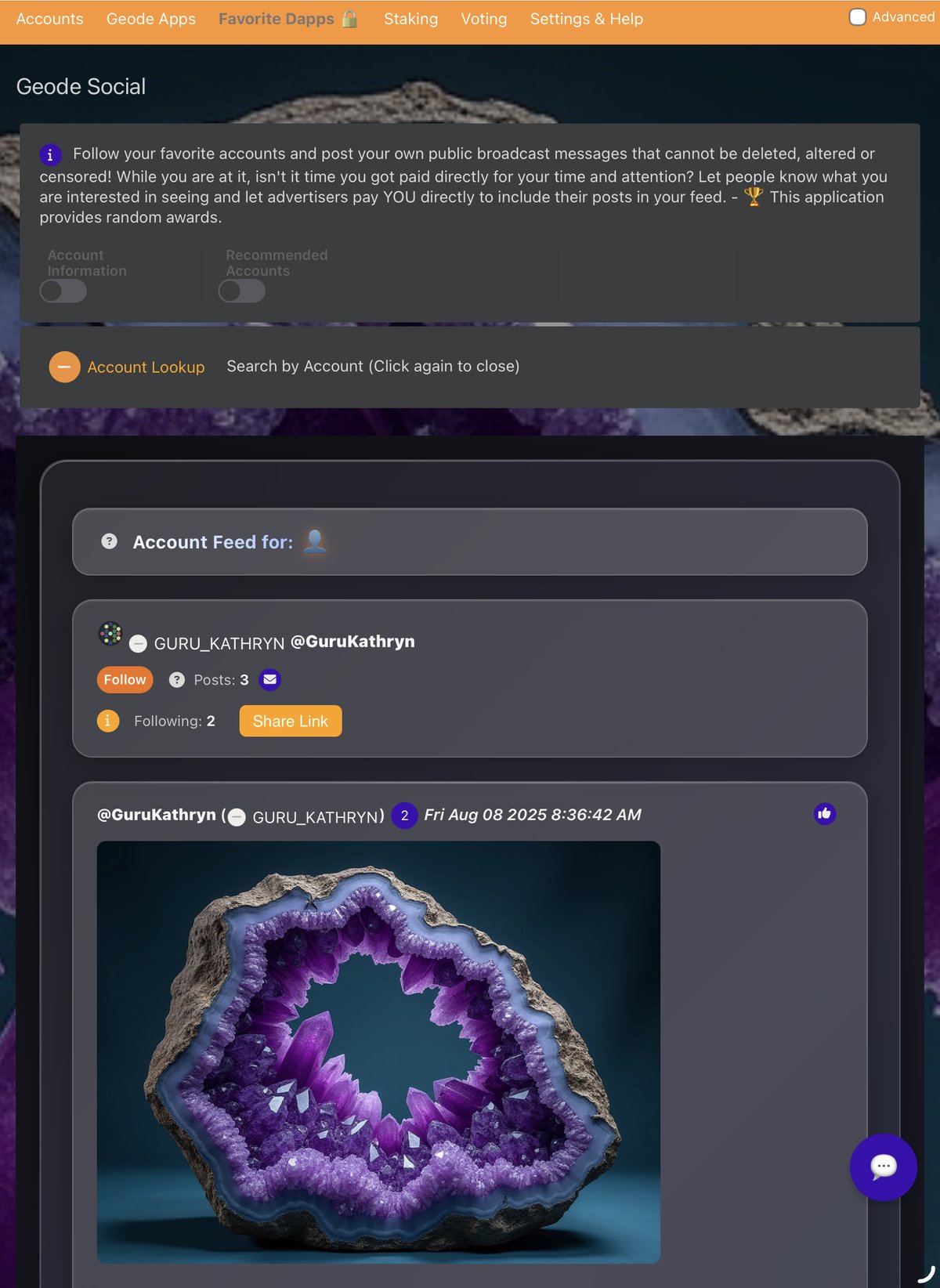
- Pure feed: everything from just the people you follow, nothing else
- Rich posts: share text, images, embedded video, documents and links
- Like and reply to the people you follow
- On-chain posts: your public posts are written to the blockchain, so they cannot be deleted, altered or censored by a company
- Random awards: the app hands out random awards as you use it
Get paid for your attention
This is the part people love. Instead of being the product, you get paid. It is your attention, so the reward should be yours too.
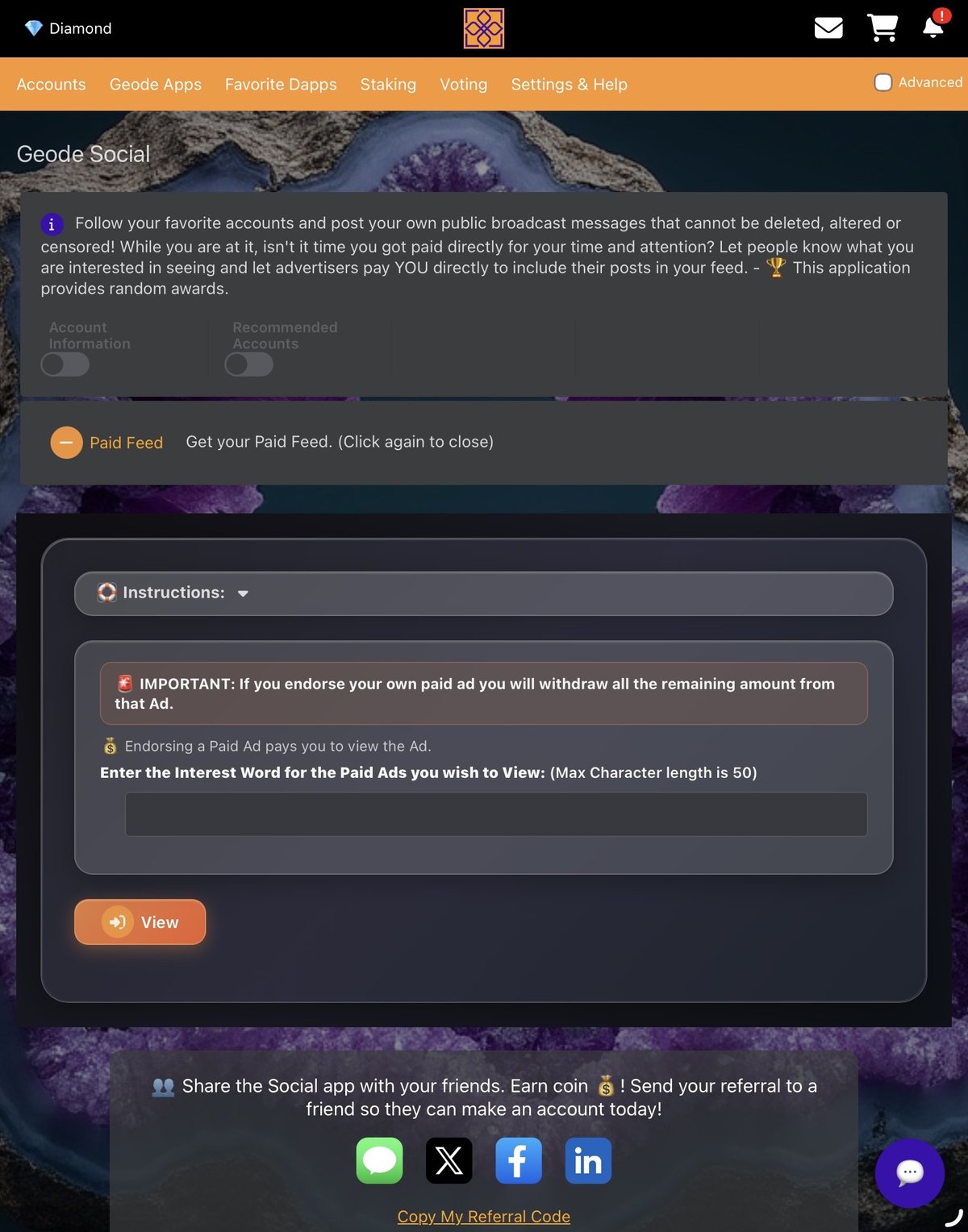
- Open Paid Feed and enter an interest word for the ads you want to see
- Endorsing a paid ad pays you to view it
- Advertisers pay you directly, with no middleman taking a cut
Set it up your way
A few settings and your Geode Social is tuned to you.
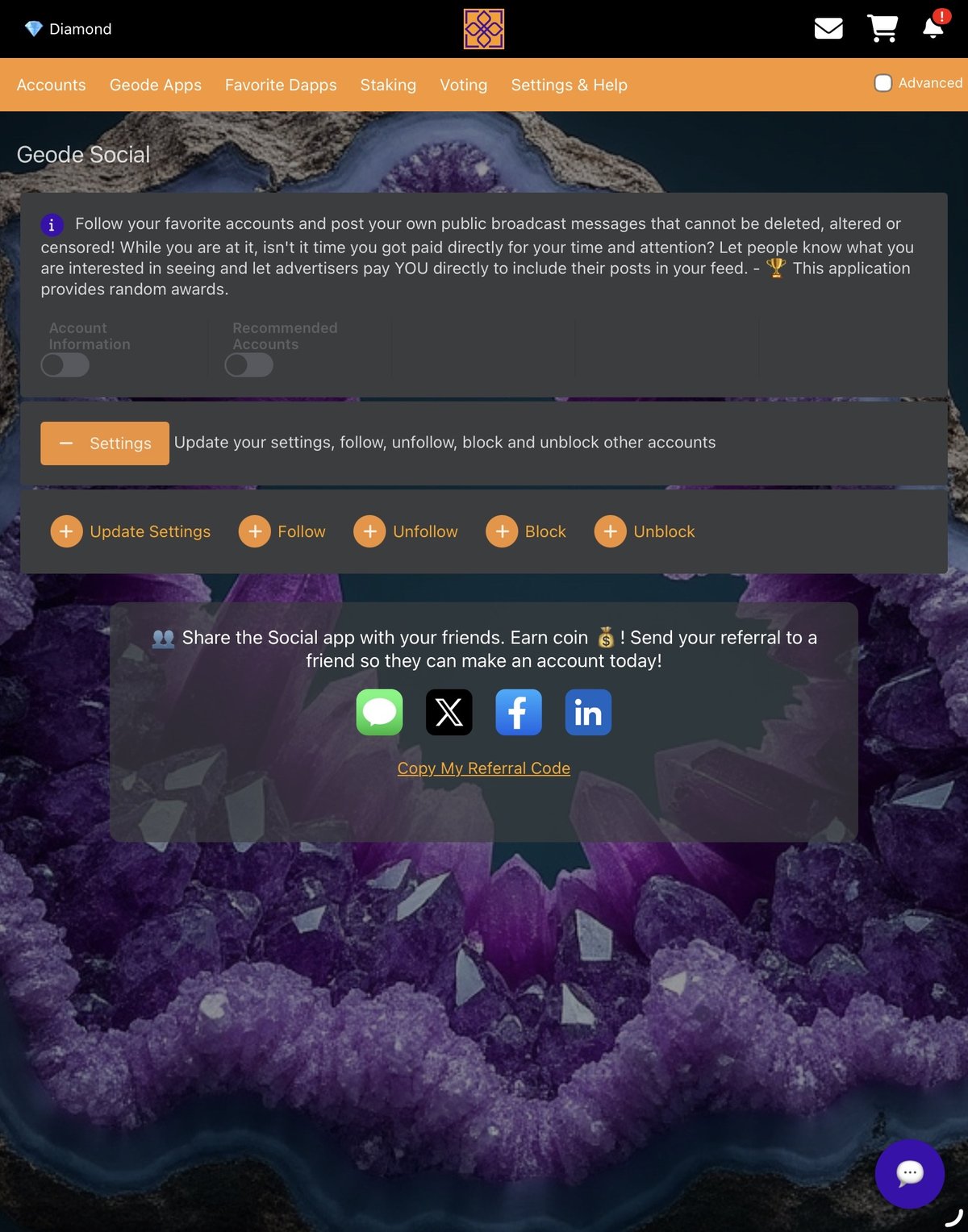
- Use Settings to update your settings, follow, unfollow, block and unblock accounts
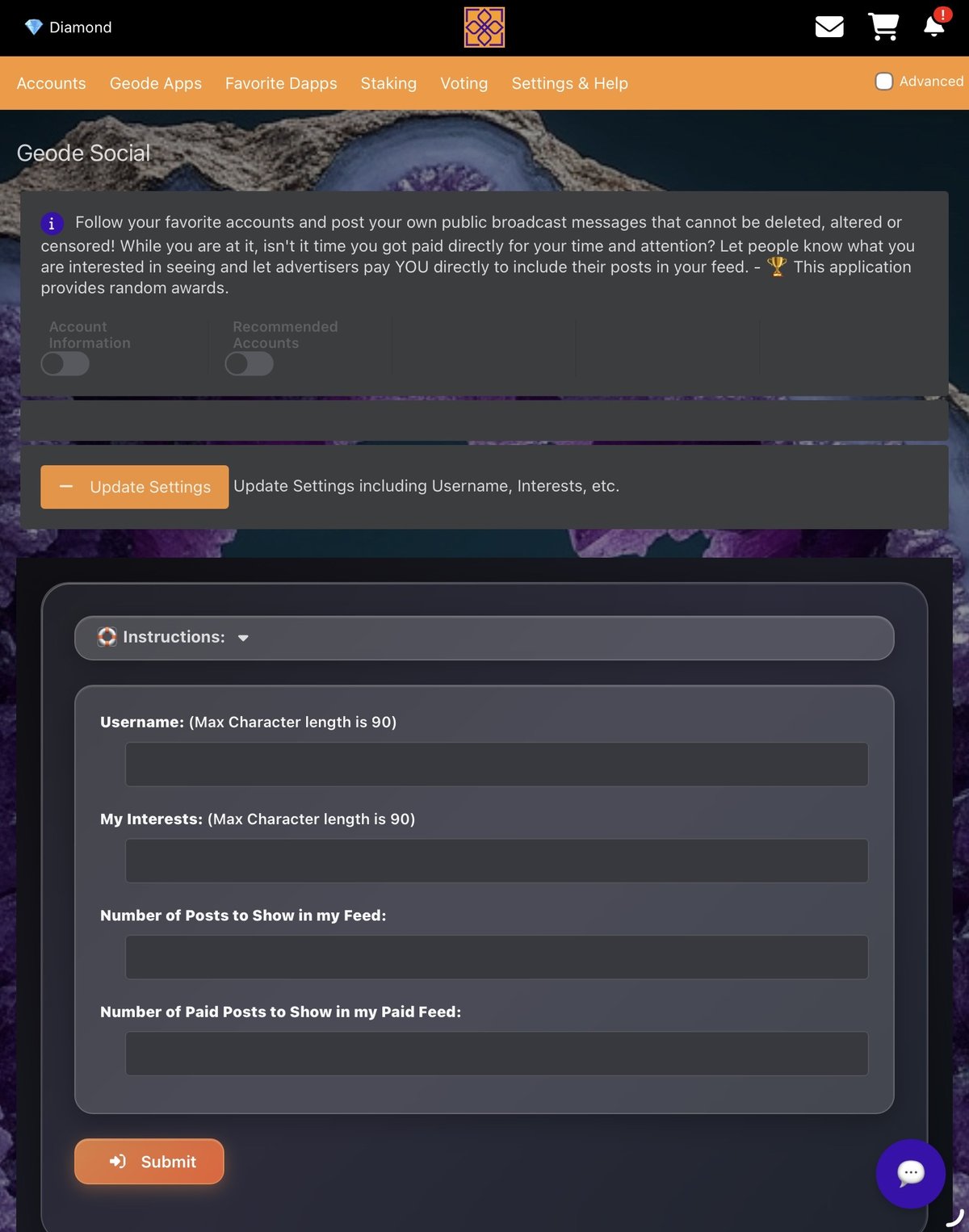
- In Update Settings, add your username and your interests
- Choose how many posts to show in your feed and in your paid feed
Because Geode Social runs on Geode, your account, data and content are yours, secured onchain. No company can deplatform you, harvest your data or shut it down.
See screenshots, FAQs and the full walkthrough on the Geode Social project page.
Try it this week
- Make your Geode account if you don’t have one yet.
- Open Geode Social, set your username and ad interests in Update Settings, and follow a few accounts.
- Visit your Paid Feed and get paid to view the ads you chose.
📩 Earn Differently — weekly tips to profit off your own time, attention, and skill. Love this newsletter? Send it to a friend and tell them to subscribe at GeodeChain.com.